

Description
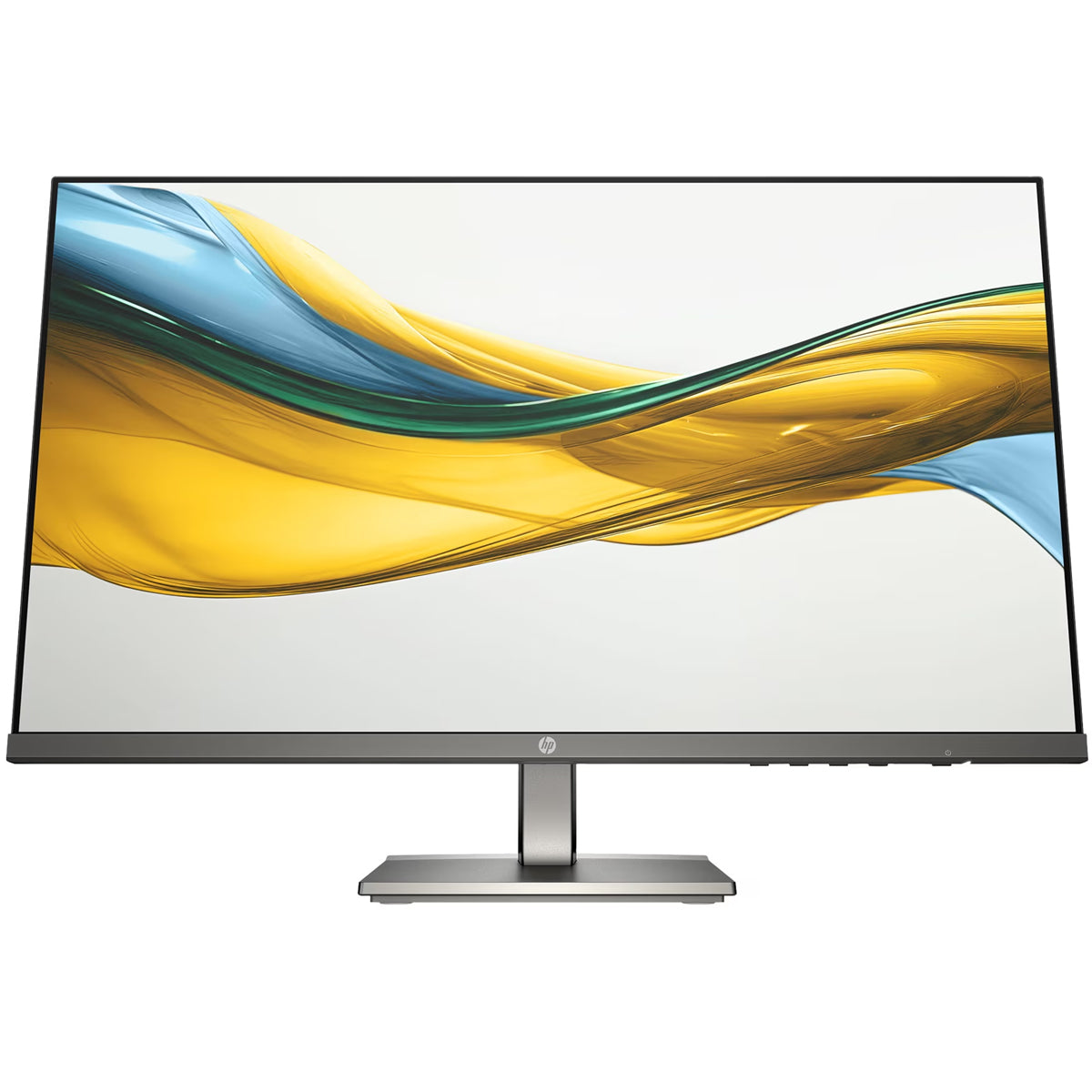
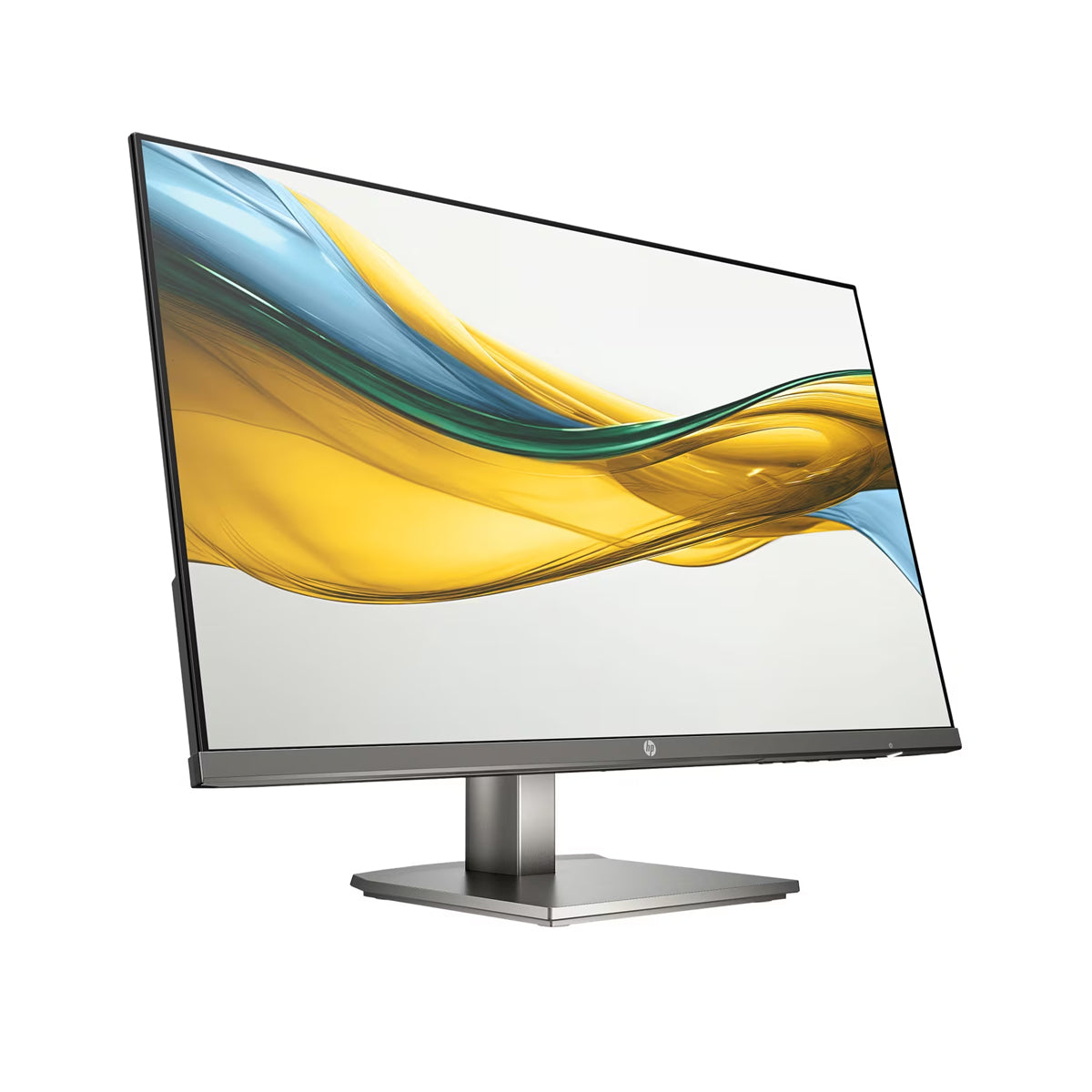
HP Series 5 23.8″ FHD Monitor
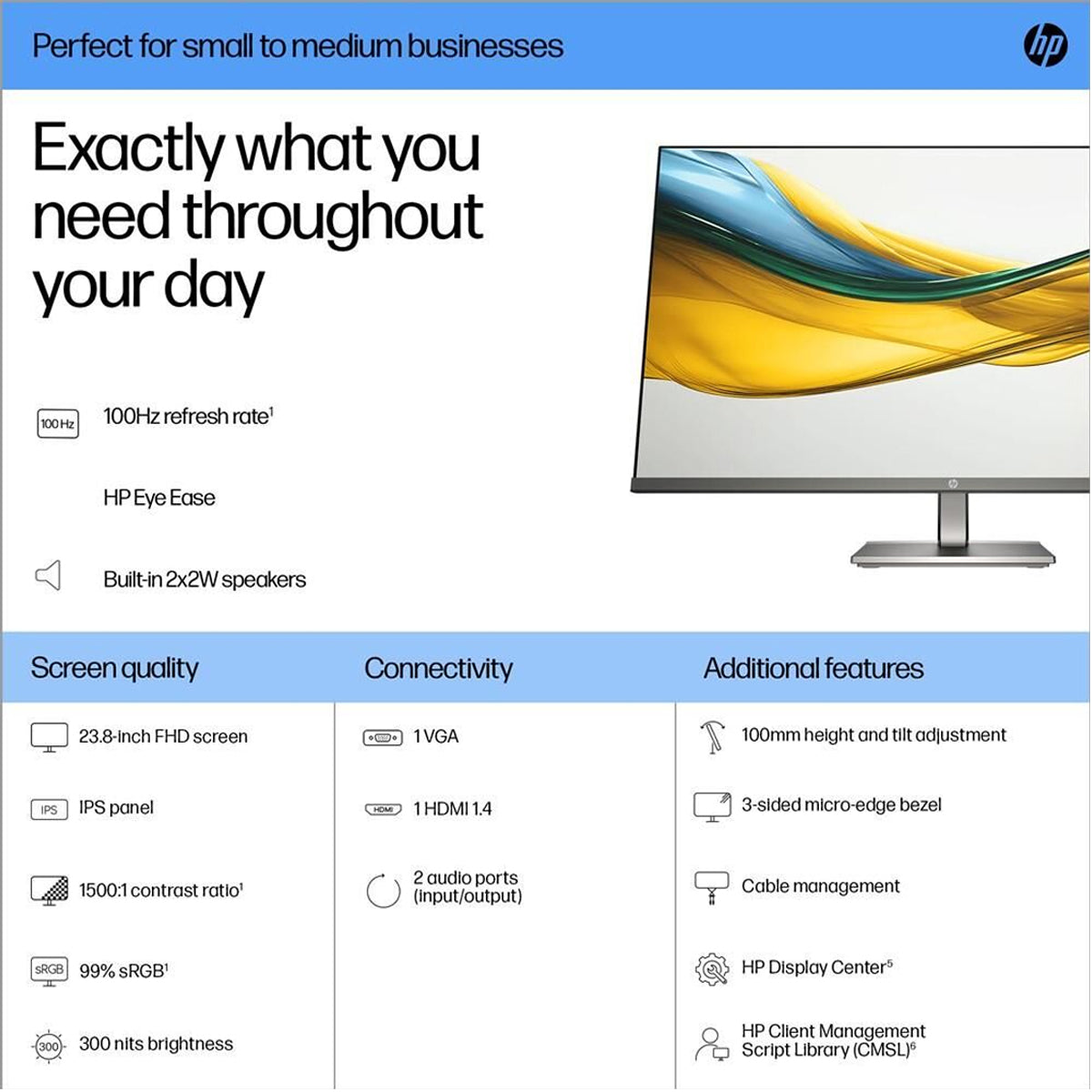
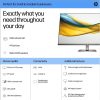
Take on a full day of projects, meetings, and more with this HP Series 5 23.8″ FHD Monitor. Its sleek design complements any workspace, while the beautiful screen, adjustable stand, and built-in dual speakers bring your productivity to the next level.
Smoother Screentime
A 100 Hz refresh rate ensures seamless scrolling and smooth, stutter-free viewing.
More Contrast
See the nuanced differences of color, shadow, and highlights thanks to 300 nits brightness and an enhanced 1500:1 contrast ratio.
99% sRGB Color Gamut
Enjoy what you see on screen with a 99% sRGB color gamut. This HP monitor provides consistent and ideal color reproduction for vibrant images and videos.
FHD Resolution
Focus on the finer details and enjoy sharp visuals and crystal clear images with the 1920 x 1080 FHD resolution on this 23.8″ diagonal monitor.
IPS Panel
No matter where you stand, IPS technology ensures image accuracy and consistency across wide 178-degrees horizontal and vertical viewing angles.
Compact, Sleek Design
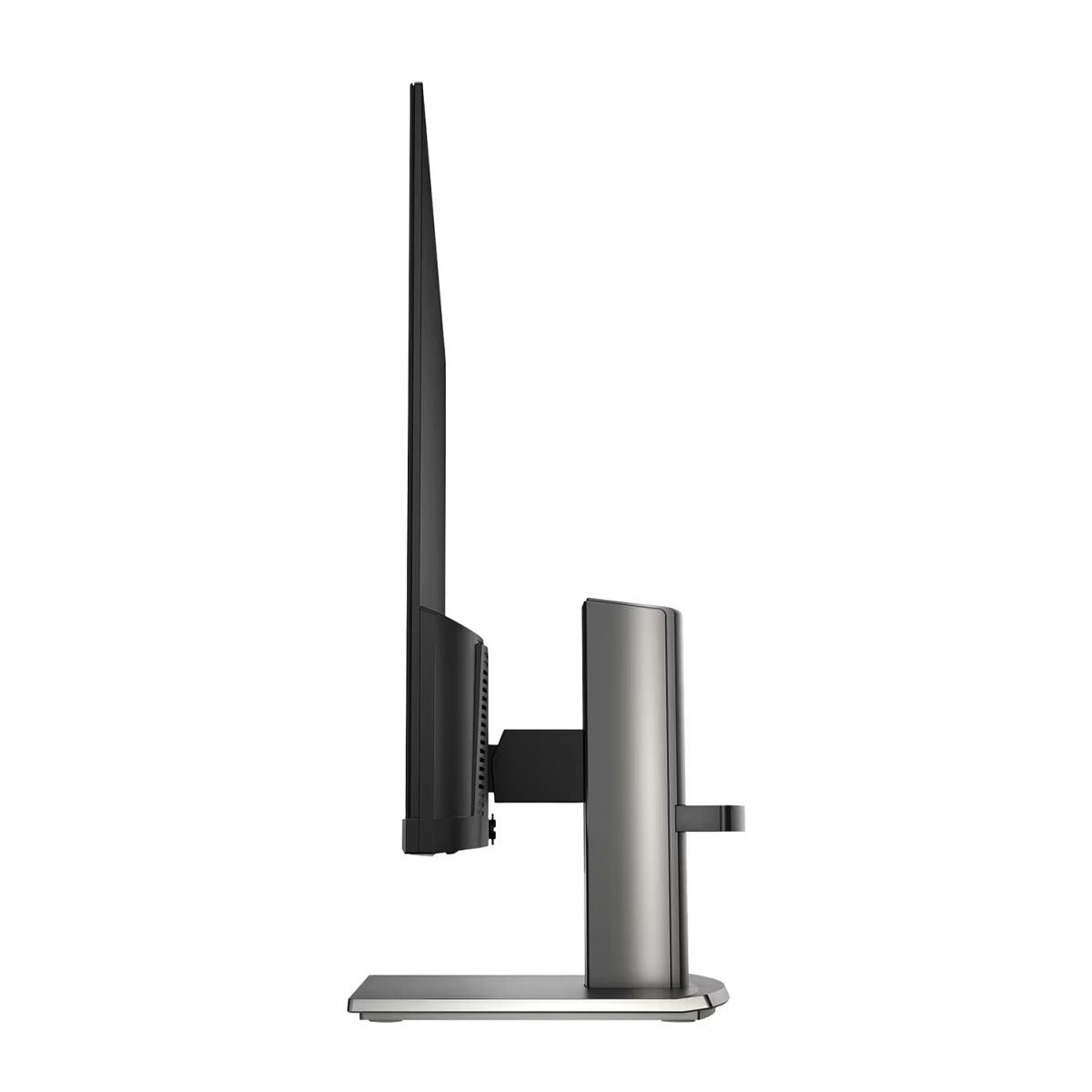
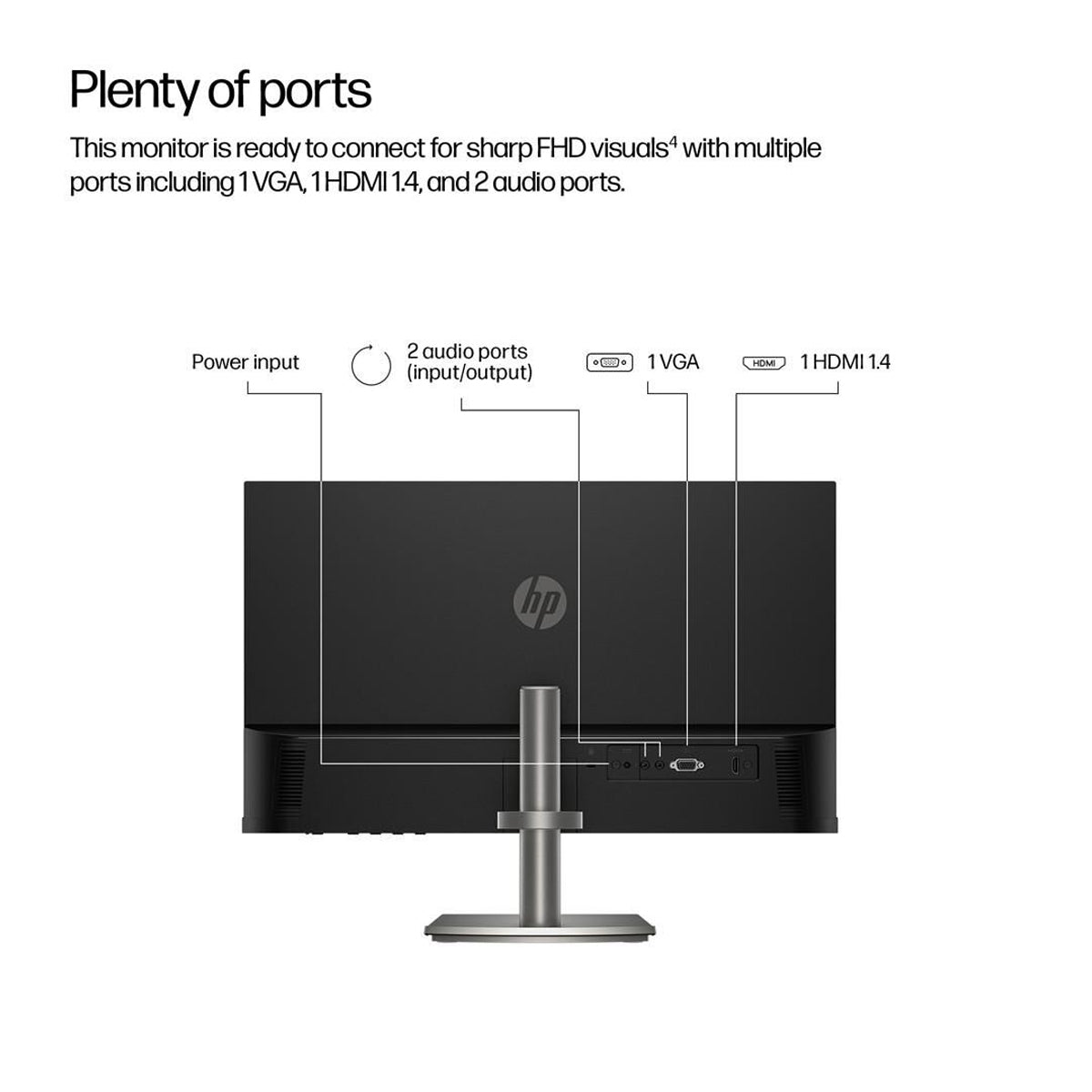
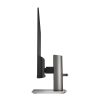
Fit for any space with a sleek, thin-and-light profile and metal gray color, this beautiful monitor looks great on its own or as part of a seamless dual-monitor setup. Built-in cable management keeps your desk clutter-free.
3-Sided Micro-Edge Bezel
See and do more on this 23.8″ screen with a 3-sided micro-edge bezel that maximizes your viewing area for a sleek design and virtually seamless dual-monitor setups.
Built-In Dual 2W Speakers
Thrive with a monitor that sounds as good as it looks with built-in dual 2-watt speakers for a complete audio experience.
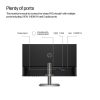
Integrated Cable Management
Cord and wire pass-through located on the monitor stand reduces cord-clutter and helps keep your workspace clean and organized.
HP Eye Ease
HP Eye Ease is an always-on, low blue light filter that helps keep your eyes comfortable throughout the day by reducing blue light without impacting color accuracy or adding a yellow color shift.
Adjustable Height and Tilt
The 100 mm height- and tilt-adjustable stand helps deliver the perfect view so you can maximize productivity and work comfortably.
Ergonomic Setup Guide
With world-class practices at your fingertips, you have the knowledge to fine-tune your monitor’s adjustability to achieve optimal, all-day comfort thanks to the step-by-step Ergonomic Setup Guide in HP Display Center.
Reviews
There are no reviews yet.